The new Autokitchen is now available: New features
Autokitchen, the leading professional kitchen design software, launches its version 26 with an update that includes artificial intelligence, collaborative tools, advanced automation, and improvements in customer experience.
1. Artificial Intelligence Render:
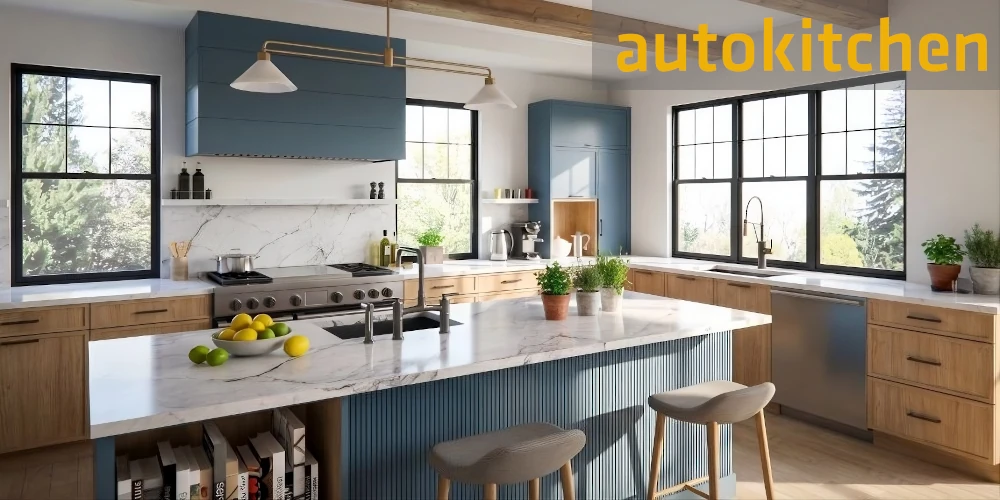
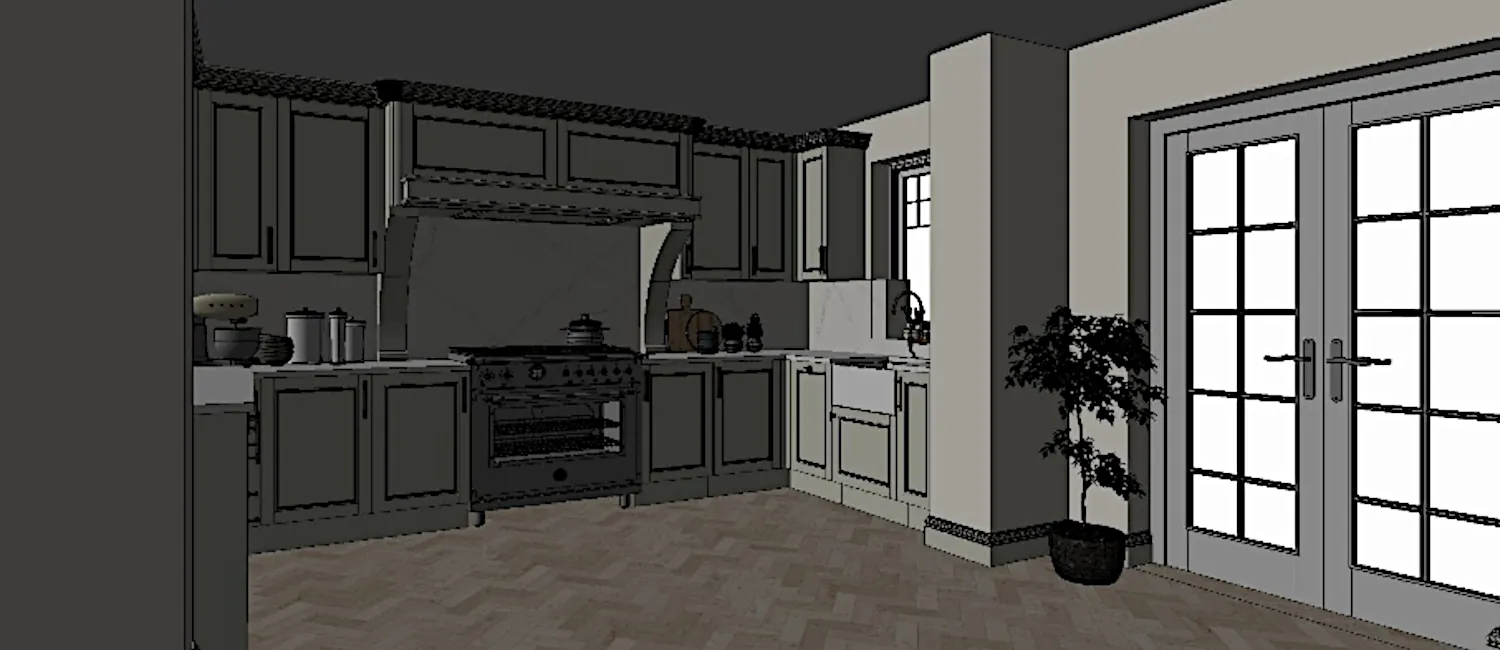
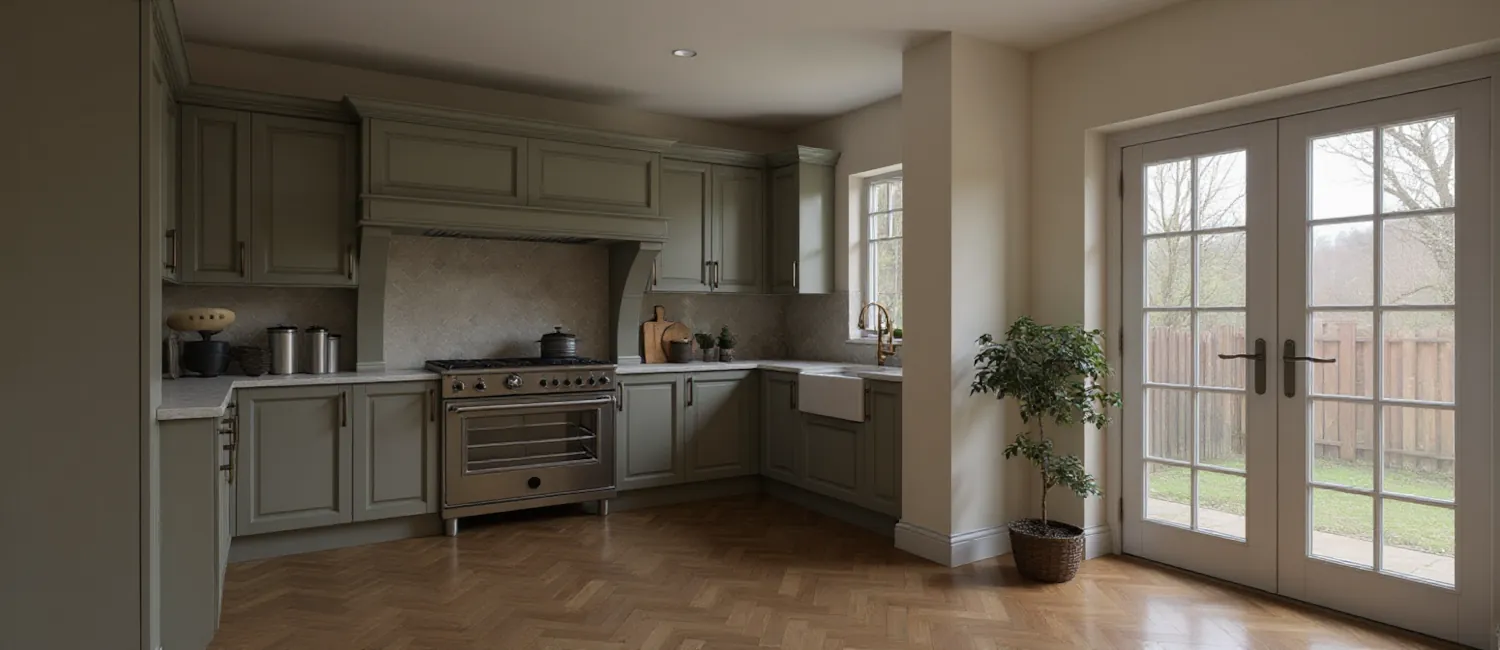
The new AI in Autokitchen allows you to generate photorealistic images in seconds from shaded views. You can add elements like people, LED lights, fruits, or plants, and create artistic versions in pencil or watercolor. Your designs have never been this realistic!
2. Enhanced Virtual Tour:
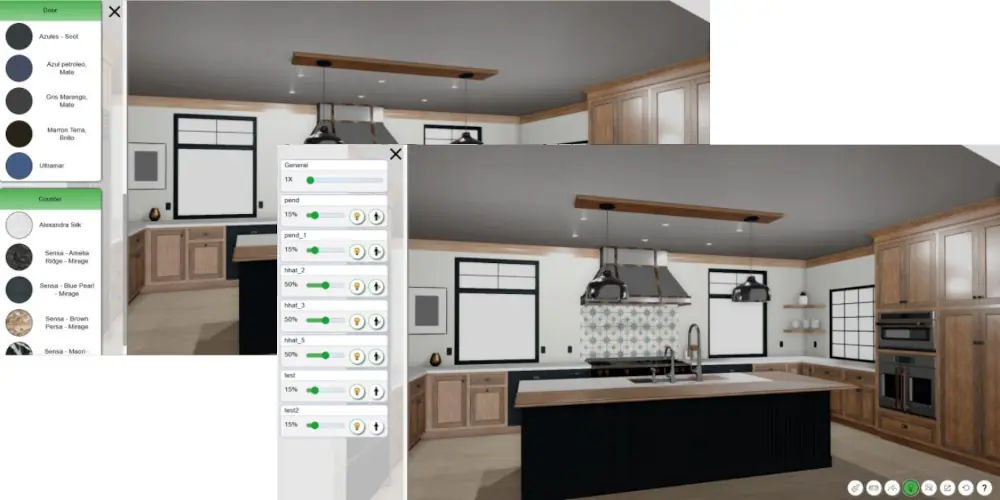
The client can explore their future kitchen from any device, change materials in real time, control lights and shadows, and enjoy an immersive experience with higher visual quality.
3. Web3DPlan: Design from anywhere:
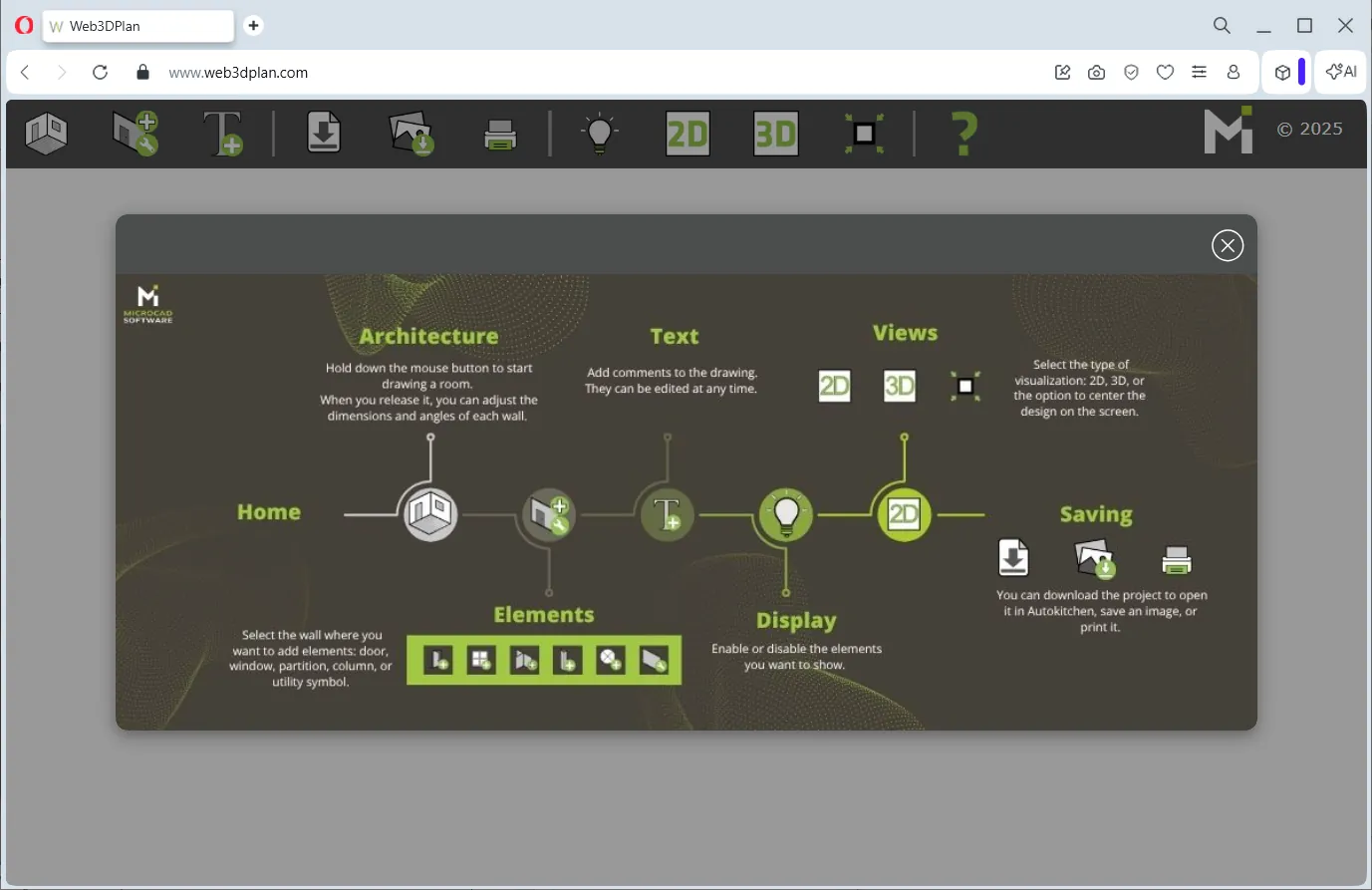
Draw the architecture directly at the client’s home from a smartphone or tablet. Add doors, windows, utilities, and comments, and continue the design in Autokitchen 26. A collaborative tool that enhances client relationships.
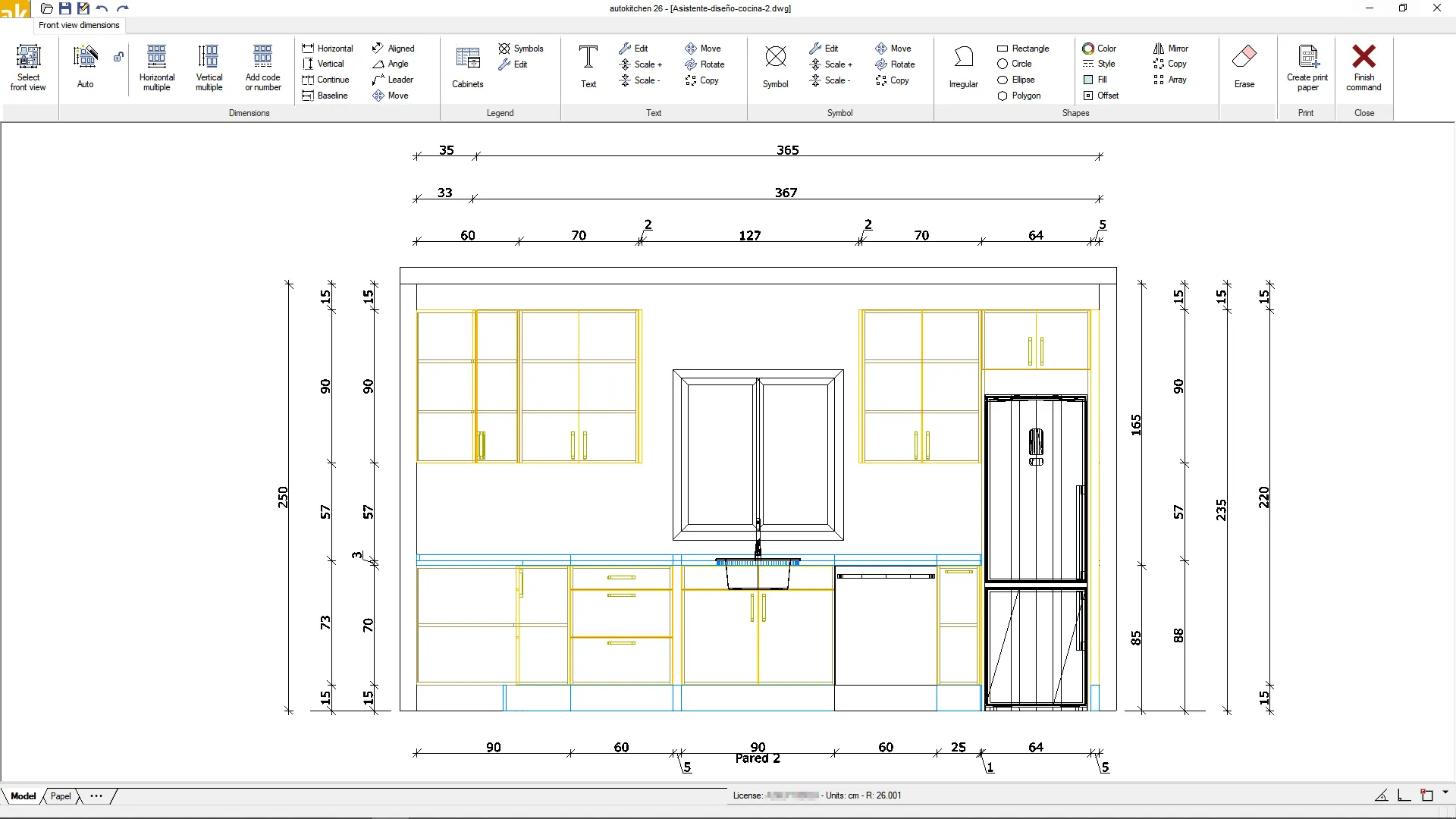
4. Automatic project documentation:
Generates dimensioned elevations, print sheets, detailed reports for manufacturers, and automatic legends. The entire project is ready to present, print, or send, without any manual steps.
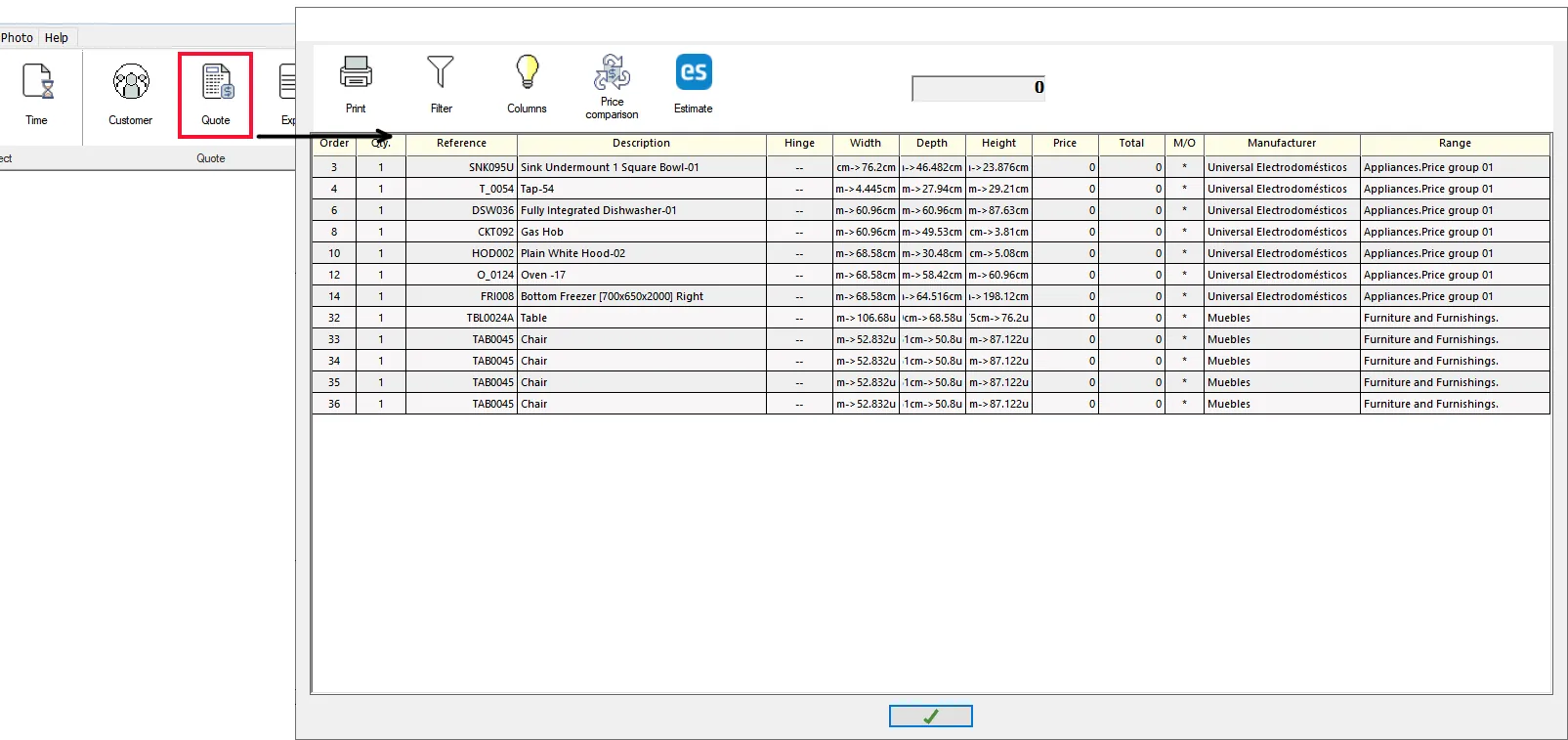
5. Integrated Quote:
Create quotes directly from Autokitchen without needing to open Estimate. Compare prices between manufacturer rates, filter items, and generate detailed reports. More control and efficiency in cost management.
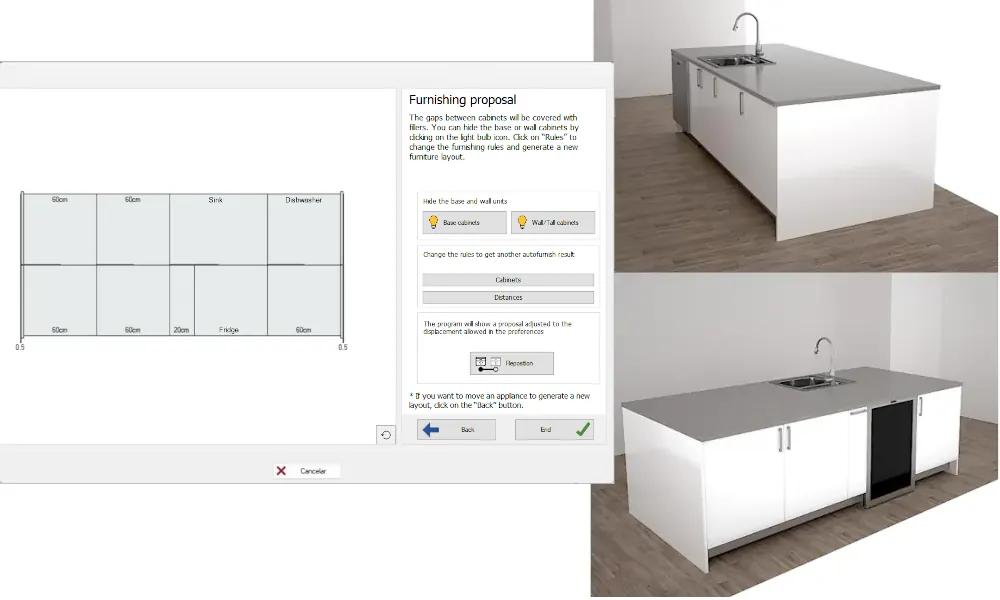
6. Automatic furnishing of walls and islands:
Autokitchen 26 offers furnishing solutions based on measurements, water connections, and designer preferences. Optimize space on your island and save default configurations.
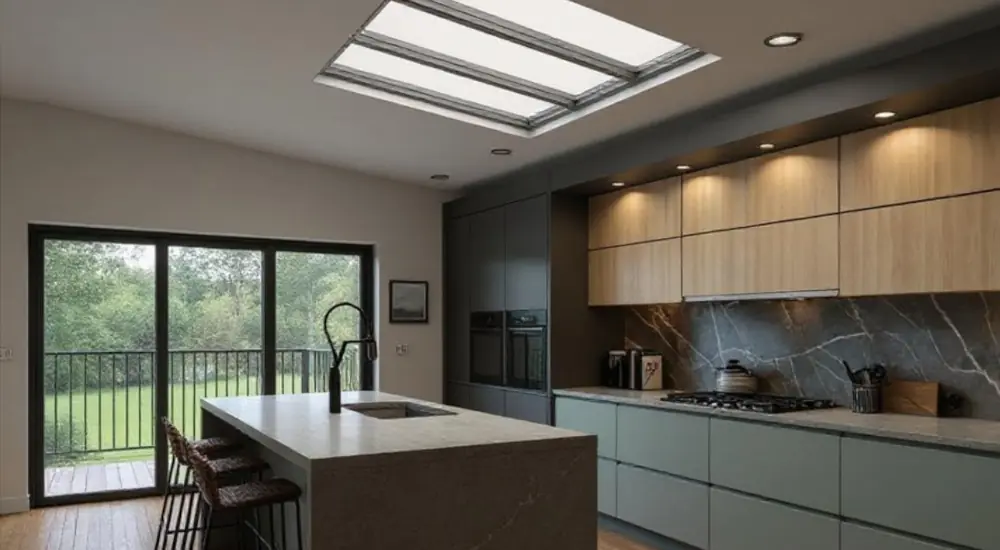
7. Architectural enhancements:
New options such as skylights, wall niches, BIM standards compatibility, and accurate representation of doors and construction elements.
8. Material optimization and visualization:
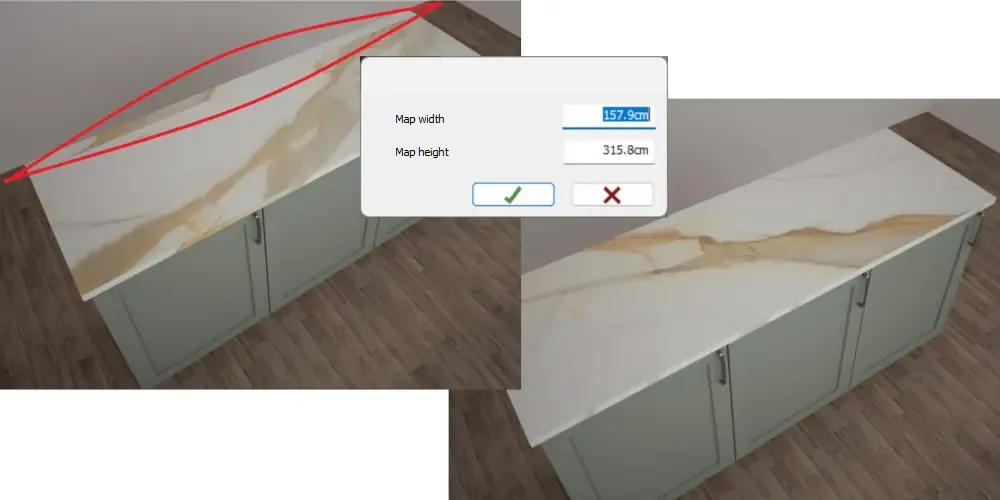
Advanced countertop mapping, refined visualization filters, dynamic legends, improvements in printing and exporting, and new options for designer shelves.
9. Other notable improvements:
- Data migration from previous versions.
- Automatic news and updates when launching the program.
- Improvements in light editing, render exposure, and visualization filters.
- New options for furniture, series, materials, and decorative elements.
Autokitchen 26 is available for all customers with an active subscription. Those interested in seeing how Autokitchen works can request a personalized online demonstration through this website.