Autokitchen 27 Is Now Available: More Productivity, More Control, Better Results
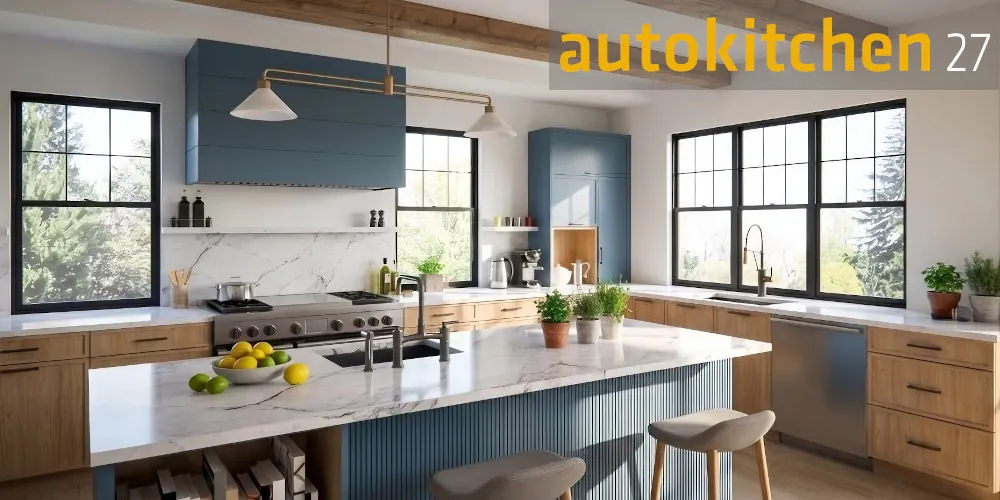
Autokitchen 27 is now available, bringing one of the most significant updates in recent years. This new version introduces major improvements in artificial intelligence, architectural design, technical documentation, design automation, and overall user experience. The goal is simple: help kitchen design professionals work faster, with greater accuracy, and achieve even better results.
More Powerful Artificial Intelligence: Now with Video Generation
Artificial Intelligence takes a major step forward in Autokitchen 27. In addition to significantly enhancing image quality, the new version allows users to generate videos from images, making project presentations more dynamic and engaging for clients.
Key AI enhancements include:
- Video generation from rendered images.
- Configurable camera movements for dynamic presentations.
- A new AI engine delivering significantly improved visual quality.
- Support for JPG and PNG images to enhance existing renders.
- Reduced credit consumption for AI-enhanced images.
Advanced Image Editing with Greater Creative Control
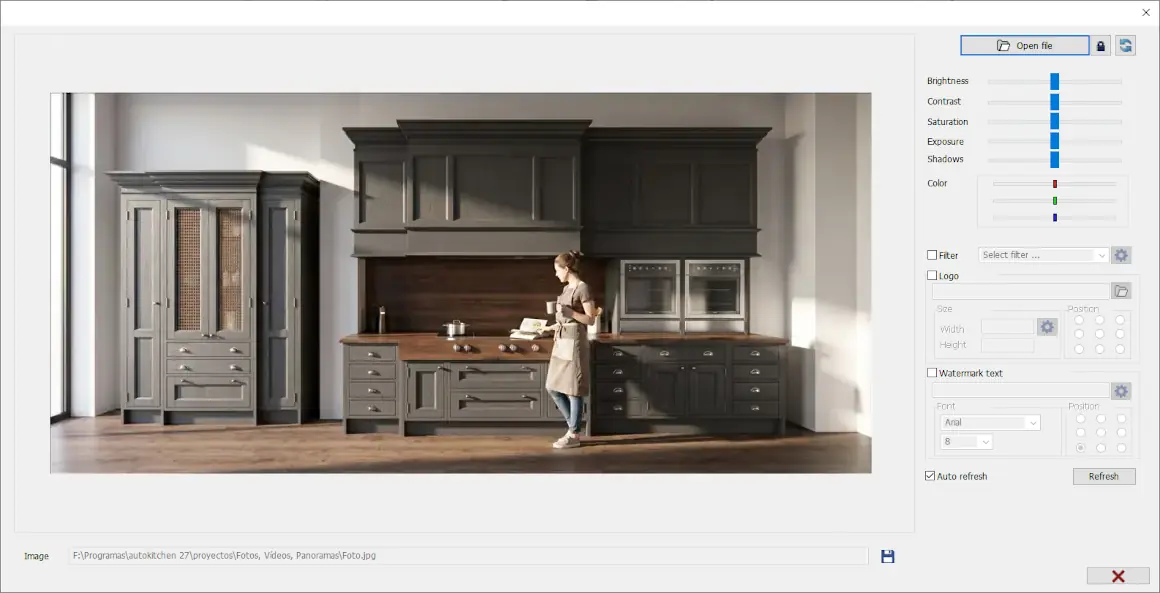
The image editing tools have been completely redesigned to integrate more naturally into the AI workflow while providing greater visual control.
New features include:
- Advanced brightness, contrast, and saturation adjustments.
- New exposure and shadow controls.
- Real-time automatic preview of changes.
- Standard image export in PNG format.
- Direct image publishing access from the main Ribbon interface.
Web3DPlan: Capture Architecture Anywhere
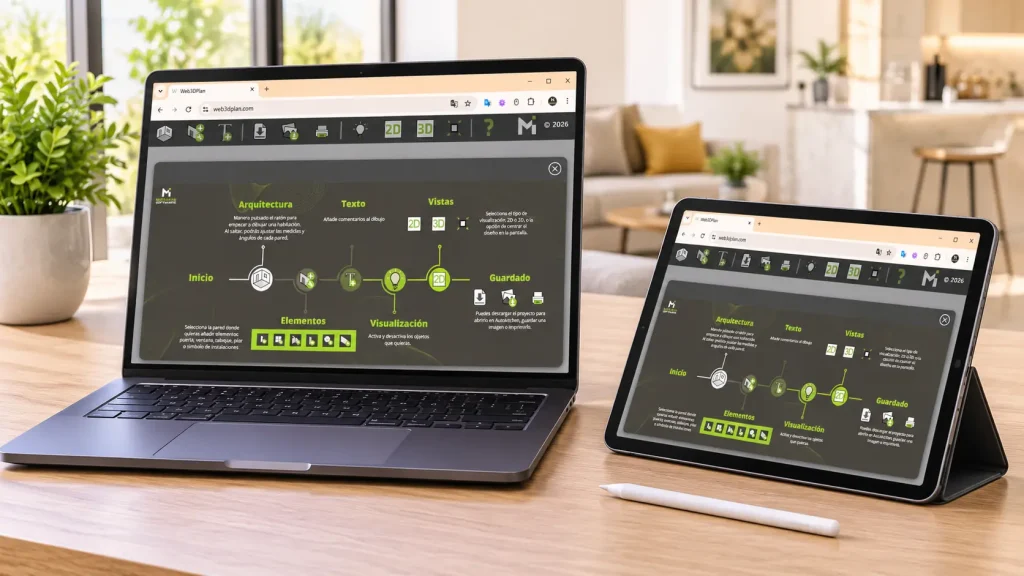
Autokitchen 27 introduces a completely redesigned version of Web3DPlan. This powerful tool allows users with an active subscription to capture a room’s architecture directly at the client’s home using a tablet or laptop and then continue the design process seamlessly in Autokitchen.
The new Web3DPlan has been rebuilt to provide a faster, more intuitive, and user-friendly experience, making on-site measurements and architectural data collection easier than ever.
Key capabilities include:
- Draw room layouts directly on-site.
- Quickly add walls, pillars, windows, and partitions.
- Import architectural data into Autokitchen with a single click.
- Continue designing without having to recreate the room structure.
More Flexible and Accurate Architectural Design Tools
Autokitchen 27 introduces numerous architectural enhancements designed to improve accuracy and reduce design errors.
Highlights include:
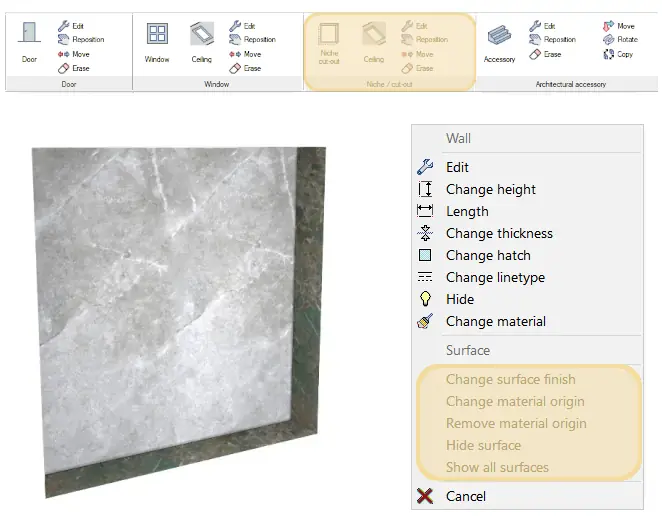
- Creation and editing of wall and ceiling recesses and openings.
- Independent material assignment for niches, pillars, and openings.
- Advanced material mapping controls.
- Easier wall, corner, door, and window editing.
- Automatic dimension updates after modifications.
- Detection of potentially problematic architectural configurations.
Faster and Smarter Technical Documentation
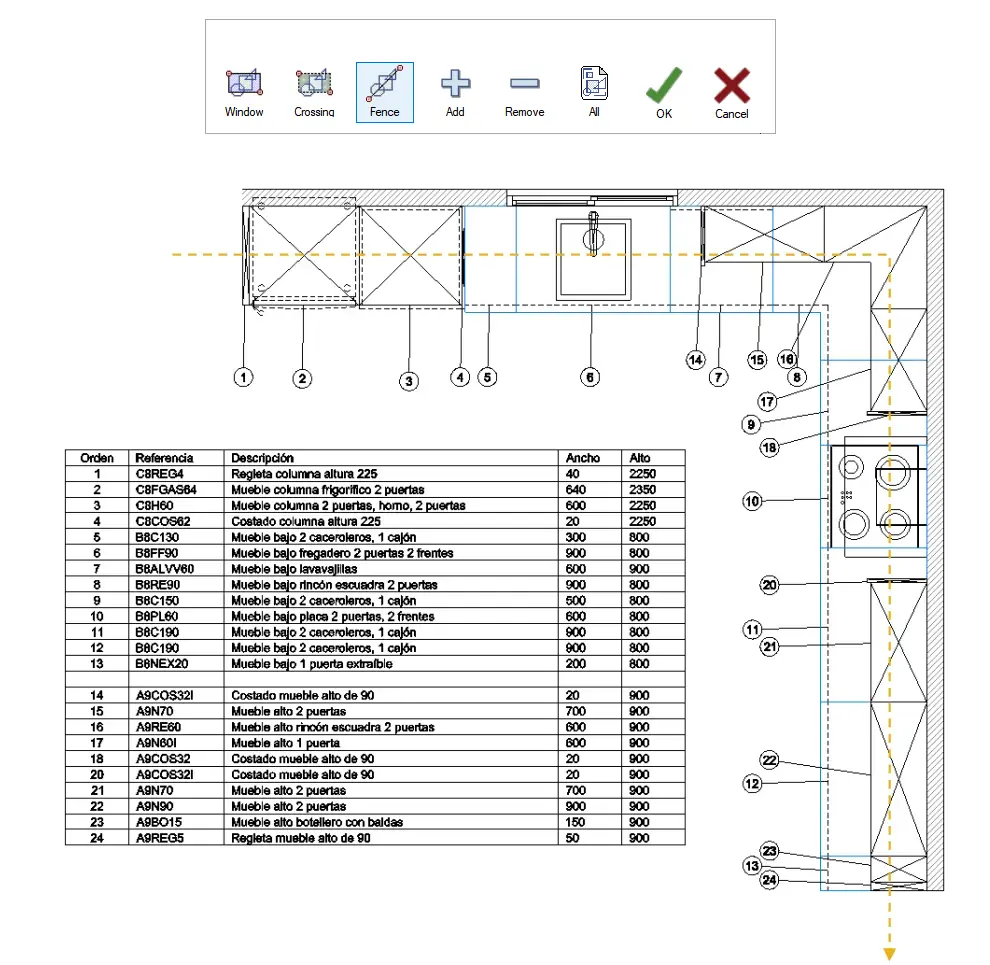
Technical documentation has also received important improvements. The new automatic cabinet numbering system helps maintain consistency throughout the project lifecycle while simplifying the creation of drawings and legends.
New documentation features include:
- Automatic numbering based on insertion order.
- Number retention when furniture items are replaced or modified.
- Automatic renumbering using predefined routes.
- Additional numbering preferences and customization options.
- Enhanced dimensioning and graphic representation tools.
Smarter Automatic Cabinet Placement
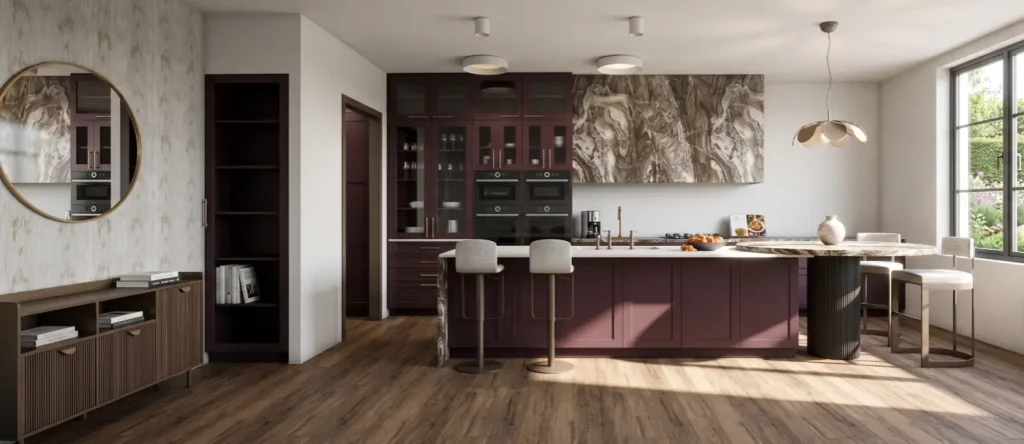
Autokitchen 27 improves its automatic furnishing algorithms to generate more coherent layouts while reducing manual adjustments.
The software now automatically determines the optimal door opening direction based on cabinet position and simplifies the addition of rear panels on single-sided islands. New options also make it easier to reuse room contours and custom assemblies, while Quick Find accelerates the location of furniture, handles, and accessories.
A Refined Interface Designed for Speed
The user interface has been updated with numerous usability enhancements that reduce clicks and streamline daily workflows.
Notable improvements include:
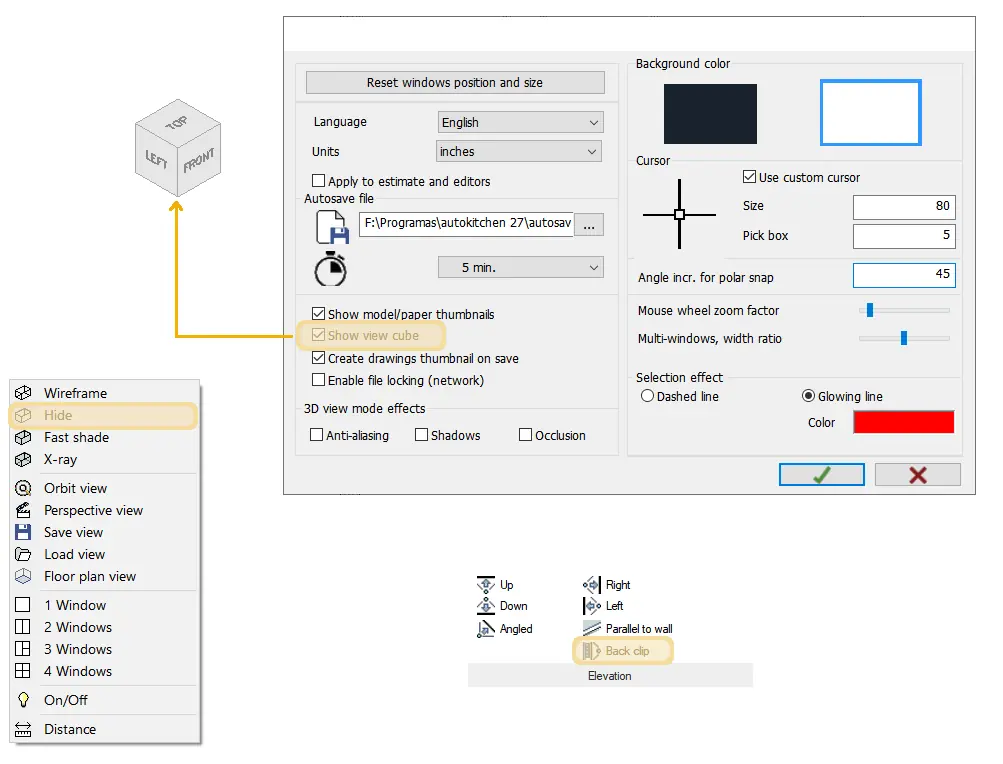
- A new View Cube for faster navigation.
- Clearer and more informative selection tools.
- Improved access to frequently used commands.
- Keyboard-assisted insertion of cabinets, appliances, and accessories.
- Easier access to configuration options directly from the Ribbon.
Fewer Steps. More Control. Better Results.
Autokitchen 27 has been developed to deliver a faster, more efficient design experience. With advanced AI tools, improved architectural capabilities, enhanced documentation workflows, and a refined user interface, professionals can create, present, and document projects more effectively than ever before.
Whether designing kitchens, bathrooms, or complete interior spaces, Autokitchen 27 helps users save time, increase precision, and provide an even better experience for their clients. Autokitchen 27 is available now. Update today and discover everything the latest version has to offer.
Those interested in seeing how Autokitchen works can request a personalized online demonstration through this website.